Account Setup
Get started with BillBee by creating and configuring your account.
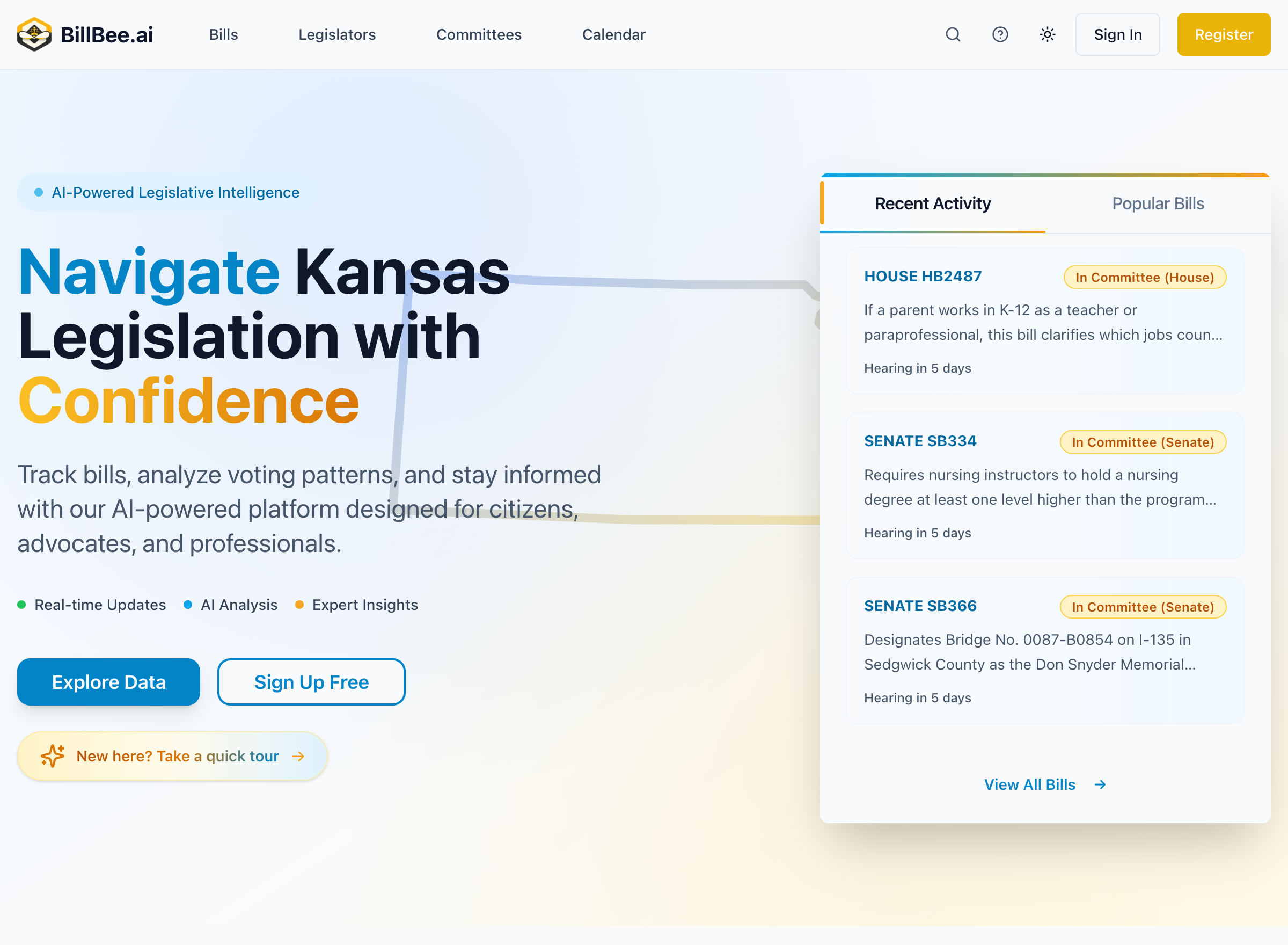
Creating Your Account
- Visit billbee.ai and click Sign Up
- Enter your email address and create a password
- Verify your email address by clicking the link in your confirmation email
- Complete your profile setup
Choosing a Subscription
BillBee offers three subscription tiers:
Free Plan
Get started at no cost.
- Track up to 3 bills
- Track up to 2 committees
- Save up to 2 searches
- 5 full summary unlocks per day
- Daily email digests
Citizen Plan
For individuals who need more monitoring capabilities.
- Track up to 10 bills
- Track up to 10 committees
- Save up to 10 searches
- Unlimited full summaries
- Instant, daily, or weekly notifications
Professional Plan
For organizations needing unlimited access.
- Unlimited bill tracking
- Unlimited committee tracking
- Unlimited saved searches
- Instant alerts for new matching bills
- Priority support
Learn more about subscription tiers
Profile Settings
After creating your account, you can customize your experience:
- Notification preferences - Choose how and when you receive alerts
- Email settings - Configure digest frequency and format
- Display preferences - Customize your dashboard layout
Next Steps
Once your account is set up, you're ready to take your first steps with BillBee.