AI Bill Summaries
Full Summaries and Social Media Posts are unlimited on Citizen and Professional plans. Free users get 5 unlocks per day. See Summary Access by Plan for details.
BillBee uses AI to generate five different types of summaries for each bill, helping you understand legislation in the format that works best for your needs.
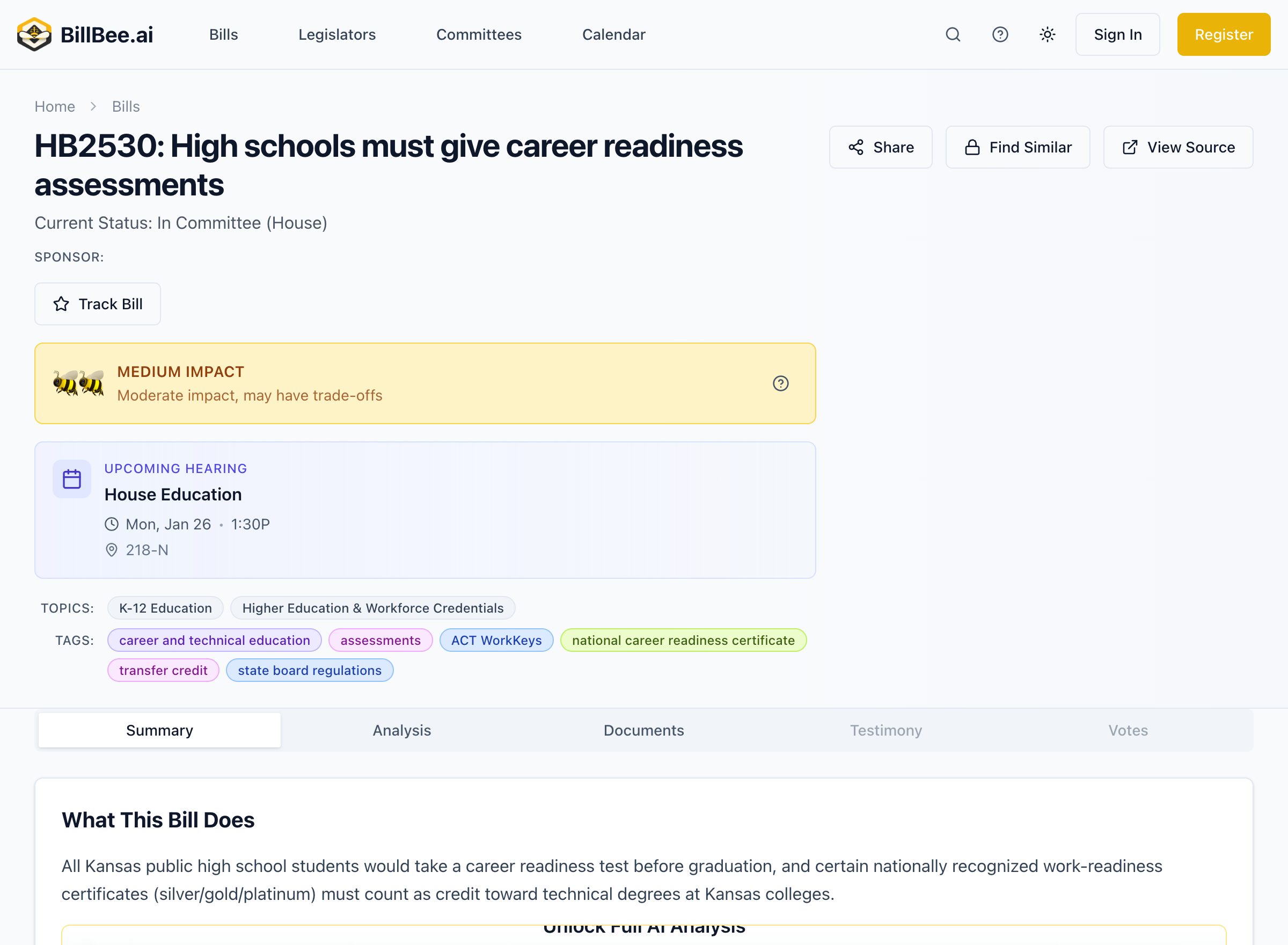
Summary Types
BillBee generates a range of summaries from ultra-brief headlines to comprehensive analysis:
1. Headline (≤60 characters)
The shortest summary, designed for:
- Push notifications
- Bill card titles
- Quick scanning
Example: "Increases property tax exemption for seniors"
2. Short Summary (≤280 characters)
Twitter-length summaries perfect for:
- Social media sharing
- Quick understanding
- Mobile viewing
Example: "HB 2001 would raise the property tax exemption for Kansans 65+ from $20,000 to $40,000, potentially saving qualifying homeowners up to $800 annually. Applies to primary residences only."
3. Medium Summary (1-3 paragraphs)
Ideal for:
- Email digests
- Bill overview pages
- Quick briefings
Provides a balanced explanation of what the bill does, why it matters, and key provisions.
4. Full Summary (500-2000 words)
Comprehensive analysis including:
- Complete Overview - Detailed explanation of the bill
- Key Provisions - Section-by-section breakdown
- Stakeholder Impact - Who is affected and how
- Fiscal Implications - Budget and cost analysis
- Legal Context - Relationship to existing law
- Effective Date - When changes would take effect
Full summaries use our most advanced AI model (GPT-5.2) for deeper analysis.
5. Social Media Posts
Platform-optimized content ready to share:
- Twitter/X - 280 characters, hashtags, handles
- LinkedIn - Professional tone with more detail
- Bluesky - Platform-appropriate format
Each post is tailored to the platform's audience and format.
Summary Access by Plan
| Summary Type | Free | Citizen | Professional |
|---|---|---|---|
| Headline | ✓ | ✓ | ✓ |
| Short Summary | ✓ | ✓ | ✓ |
| Medium Summary | ✓ | ✓ | ✓ |
| Full Summary | 5/day* | Unlimited | Unlimited |
| Social Posts | 5/day* | Unlimited | Unlimited |
*Free users can unlock up to 5 full summaries or social posts per day. Each unlock provides 24-hour access to that bill's premium content.
Viewing Summaries
On Bill Pages
- Open any bill detail page
- The default summary appears in the Summary section
- Paid users can toggle between summary types
- Free users can unlock full summaries with their daily allowance
In Email Digests
- Daily digests include medium summaries
- Configure which summary types appear in alerts
- Paid users get enhanced digest content
In Notifications
- Push notifications use headlines
- Email alerts include short or medium summaries
- Click through for full analysis
Summary Quality
BillBee's AI summaries are:
- Generated from official bill text - Not user-submitted content
- Updated when bills change - Amended versions get new summaries
- Reviewed for accuracy - Our team monitors quality
- Improved through feedback - User reports enhance the AI
AI Models Used
BillBee uses different AI models depending on the summary type:
- Headlines, Short, Medium, Social Posts - GPT-5-mini for fast, efficient generation
- Full Summaries - GPT-5.2 for comprehensive, nuanced analysis
Understanding Limitations
While AI summaries are helpful, remember:
- Summaries are interpretations, not legal documents
- Complex legislation may have nuances not fully captured
- For critical decisions, always review actual bill text
- AI analysis should supplement, not replace, expert judgment