Digest Settings
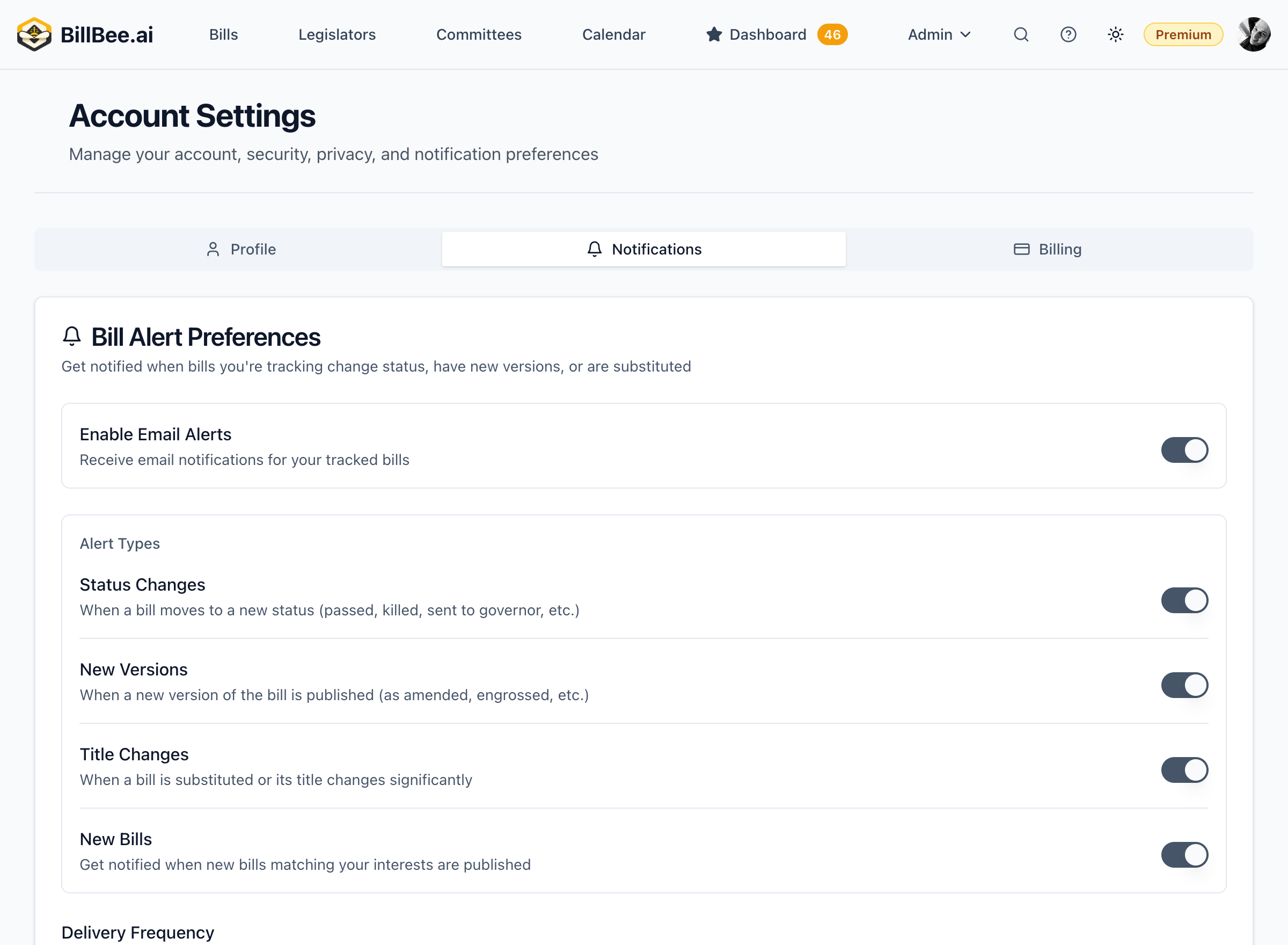
Configure scheduled summary emails of legislative activity.
What is a Digest?
A digest is a scheduled email that summarizes all activity on your tracked bills over a period of time. It's a great way to stay informed without receiving multiple individual alerts.
Digest Frequency
Choose how often you receive digests:
- Daily - Every morning with yesterday's activity (all plans)
- Weekly - Weekly summary of all activity (Citizen and Professional plans)
- Instant - Real-time notifications as activity happens (Citizen and Professional plans)
Free plan users receive daily digests only. Paid plans can choose any frequency.
Digest Content
Your digest includes:
Summary Section
- Total bills with activity
- Major status changes
- Upcoming hearings
Bill-by-Bill Updates
- Each bill with activity
- What changed
- Current status
- Next expected action
AI Insights (Professional Plan)
- Key takeaways from the week
- Bills to watch
- Trend analysis
Configuring Your Digest
- Go to Settings > Notifications
- Select Digest Settings
- Choose your frequency
- Select what to include
- Click Save
Combining with Alerts
Many users combine digests with targeted alerts:
- Digest: Daily summary of all activity
- Alerts: Immediate notification only for major events (bill passed, signed, vetoed)
This approach keeps you informed without overwhelming your inbox.