BeeScore: Bill Impact Ratings
BeeScore is BillBee's proprietary impact scoring system that helps you quickly identify the most significant legislation.
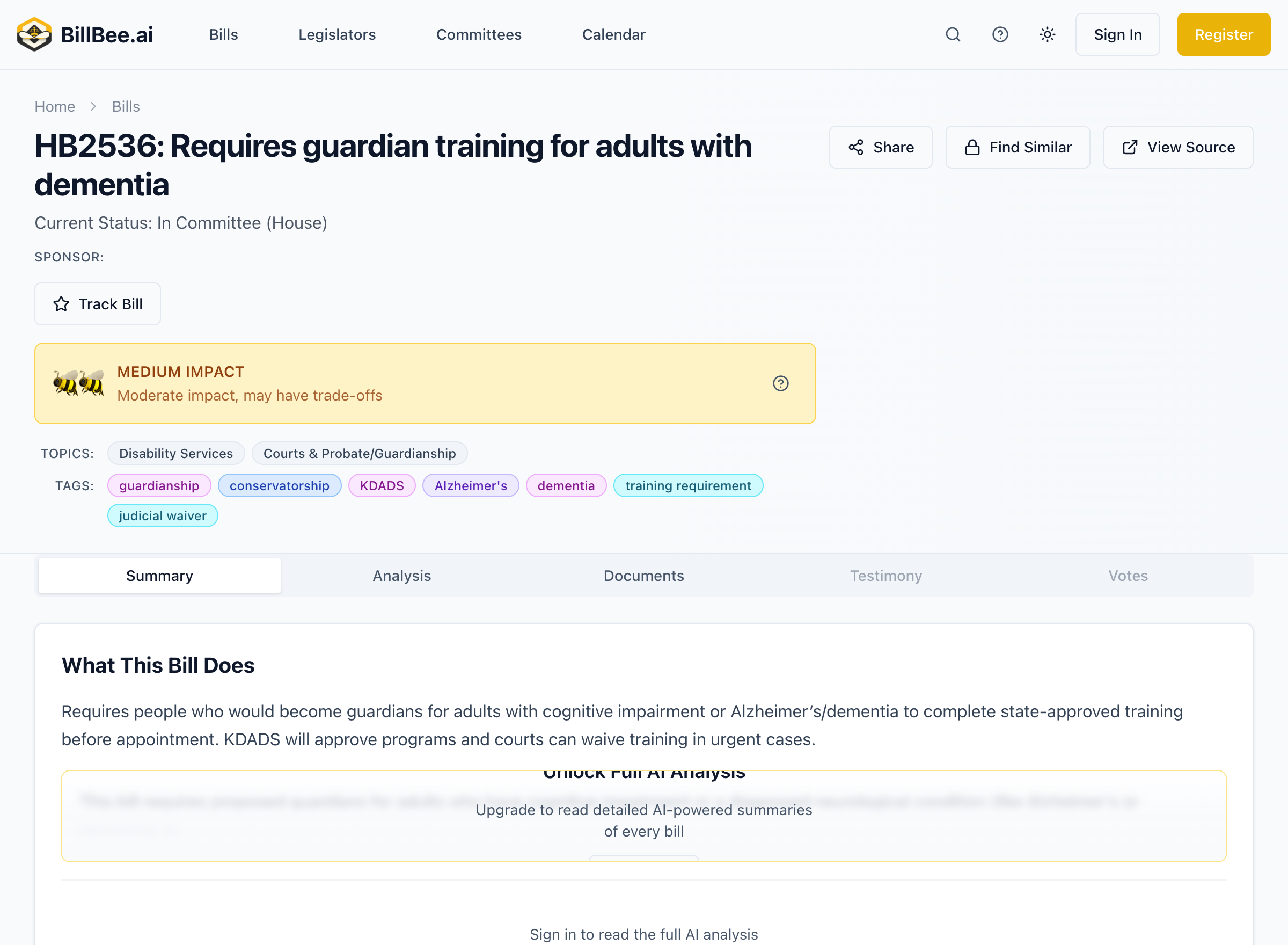
What is BeeScore?
BeeScore rates each bill on a 0-100 scale based on its potential impact. This helps you:
- Prioritize your attention on high-impact legislation
- Filter bills by significance level
- Identify trending issues that may require action
Impact Tiers
Bills are grouped into three impact tiers:
🐝 Low Impact (0-35)
Bills with limited scope or routine matters:
- Minor technical corrections
- Renaming of state facilities
- Procedural updates
- Narrow regulatory adjustments
🐝🐝 Medium Impact (36-65)
Bills with moderate reach or significance:
- Updates to existing programs
- Changes affecting specific industries
- Budget modifications
- Regulatory expansions
🐝🐝🐝 High Impact (66-100)
Major legislation with broad implications:
- Significant tax changes
- Major policy reforms
- Constitutional amendments
- Large budget appropriations
- Controversial social issues
Bills that have not yet been analyzed will show as "Not Rated."
How BeeScore is Calculated
BeeScore evaluates bills across five weighted factors:
1. Who's Affected (20%)
Breadth of impact across the population:
- Statewide vs. regional vs. narrow focus
- Number of affected industries or populations
2. Policy Change (25%)
Degree of change from current law:
- New programs vs. modifications
- Regulatory burden changes
- Rights and protections affected
3. Fiscal Impact (20%)
Financial materiality to state budget:
- Budget appropriations
- Tax increases or cuts
- Costs to businesses or individuals
4. Controversy (20%)
Level of debate or opposition:
- Partisan divide on the issue
- Public attention and media coverage
- Stakeholder opposition
5. Urgency (15%)
Time sensitivity of the issue:
- Emergency clauses
- Immediate effective dates
- Sunset provisions
The five factors are weighted to produce a final score from 0-100.
Using BeeScore
Filtering by BeeScore
On the Bills page:
- Open the Filters panel
- Select BeeScore filter
- Choose one or more impact tiers
- View only bills matching your criteria
Saved Searches with BeeScore
Citizen and Professional plan users can save searches filtered by BeeScore:
- "All high-impact bills this session"
- "Medium and high-impact healthcare bills"
- "New high-impact bills introduced this week"
BeeScore in Notifications
Configure alerts based on impact level:
- Get instant alerts only for high-impact bills
- Include BeeScore in digest summaries
- Filter saved search alerts by impact tier
Understanding BeeScore Limitations
BeeScore is a tool to help prioritize your attention, not a definitive measure of importance:
- Subjective importance varies - A "low impact" bill may be critical to your specific interests
- Scores may change - As bills are amended, their BeeScore may be updated
- Context matters - Always review bills relevant to your work regardless of score
BeeScore vs. Other Ratings
Unlike simple popularity metrics, BeeScore considers:
- Substantive content, not just tracking volume
- Multiple impact dimensions with weighted factors
- AI analysis of actual bill text and implications
Tips for Using BeeScore
- Start with high-impact bills to ensure you don't miss major legislation
- Don't ignore low-impact bills in your focus areas
- Combine with topic filters for targeted monitoring
- Check score changes when bills are amended