
Organizing Bills

Keep your tracked legislation organized with tags, notes, and custom views.
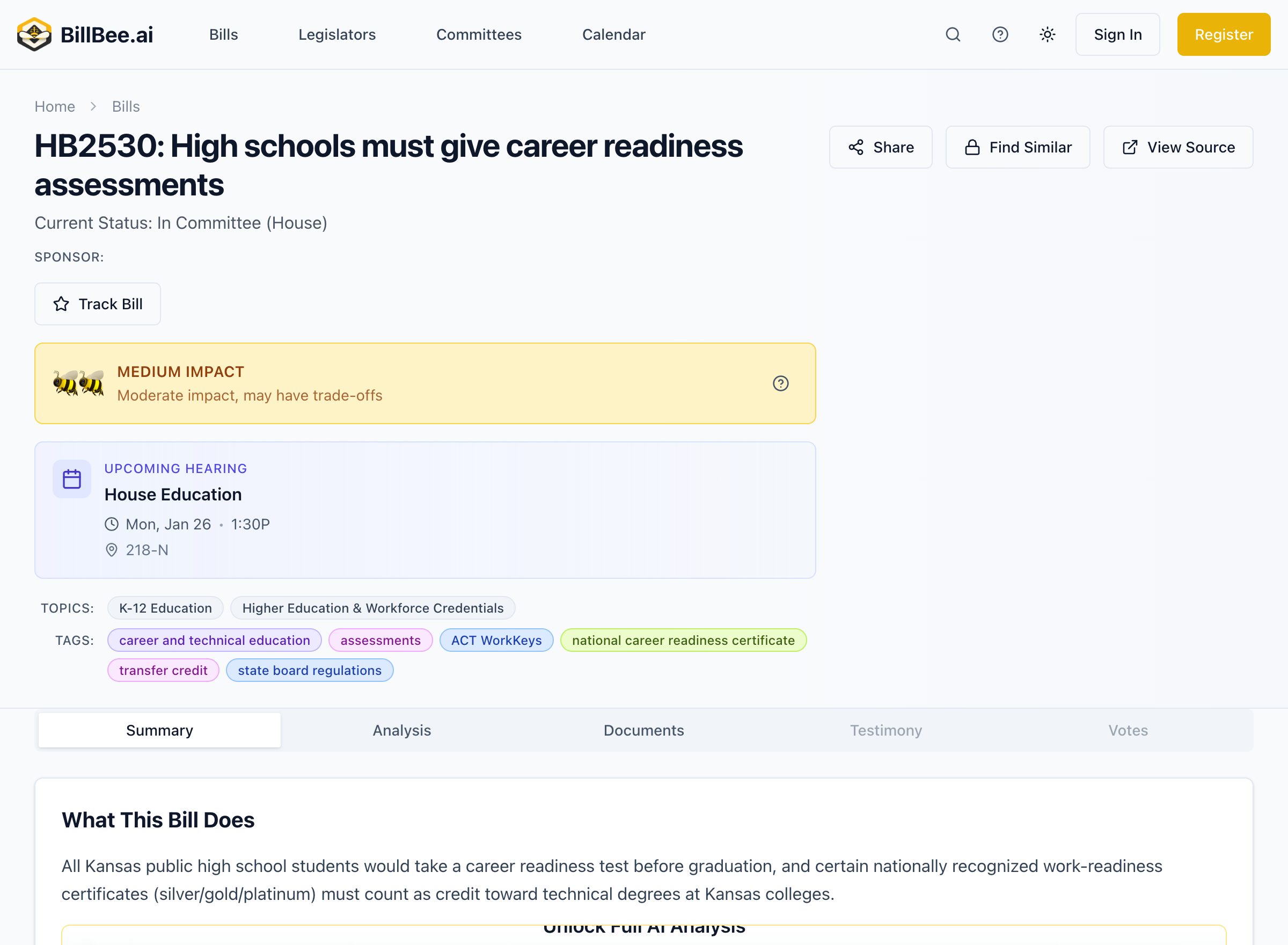
Bill Detail Page

Using Tags

Tags help you categorize and filter your tracked bills.

Creating Tags

  1. Open a tracked bill
  2. Click Add Tag
  3. Enter a tag name or select an existing tag
  4. Click Save

Tag Examples

  • By topic: healthcare, education, taxes
  • By priority: high-priority, watch, low-priority
  • By project: client-a, annual-report, advocacy-campaign
  • By action: support, oppose, neutral

Filtering by Tag

On your dashboard, use the tag filter to view only bills with specific tags.

Adding Notes

Add private notes to bills to record your analysis or reminders.

  1. Open a bill detail page
  2. Click Add Note
  3. Enter your note
  4. Click Save

Notes are only visible to you and are not shared with other users.

Custom Views

Professional plan users can create saved views:

  • Combine multiple filters (status, tags, date)
  • Save views for quick access
  • Share views with team members (if applicable)

Export Options

Export your tracked bills for reporting:

  • CSV - Spreadsheet format with bill details
  • PDF - Formatted report of tracked legislation

Tips

  • Use consistent tag naming conventions
  • Review and clean up unused tags periodically
  • Add notes while reviewing bills so you remember your analysis