Tracking Bills
Track bills to receive updates and monitor their progress through the legislature.
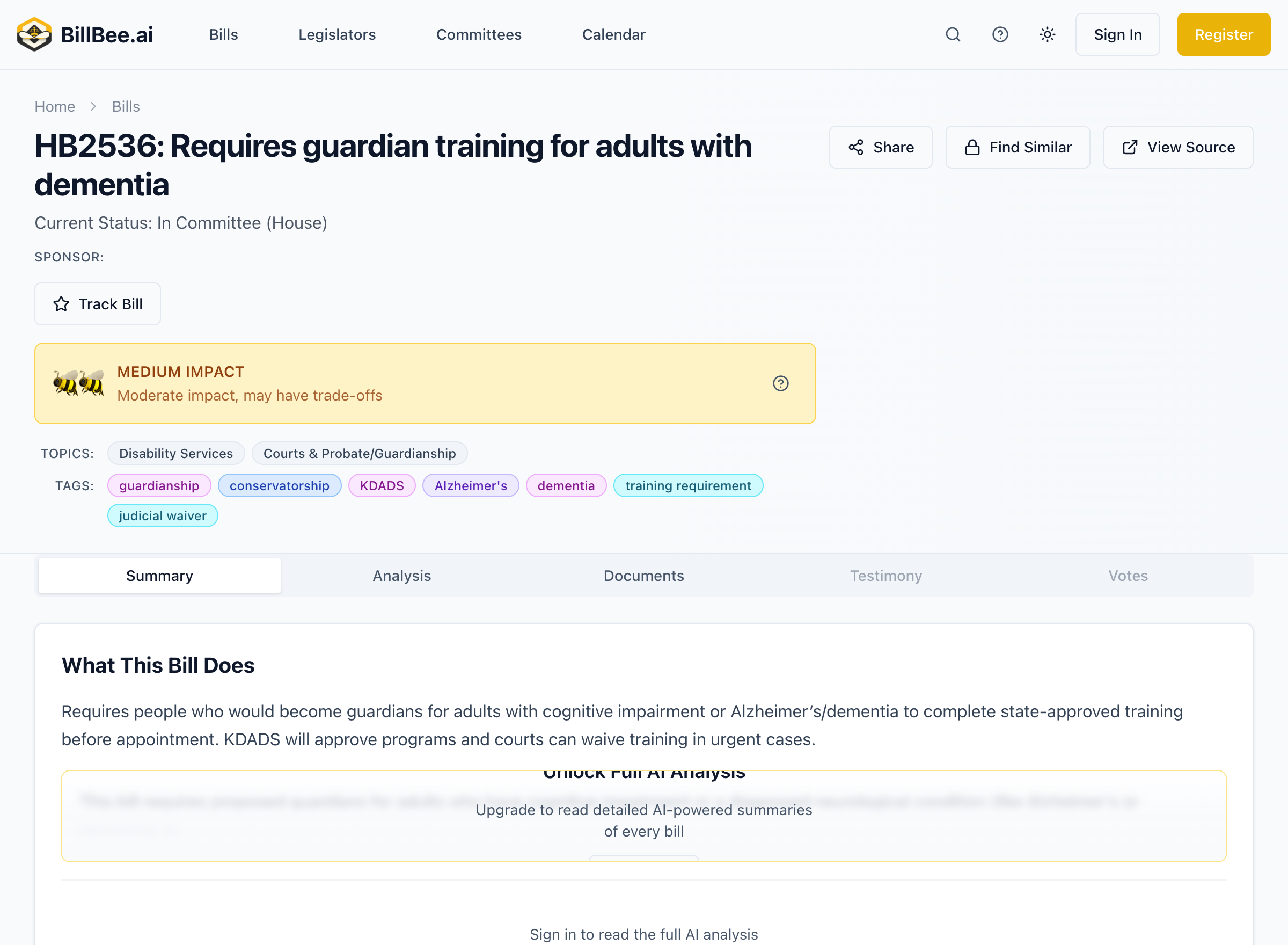
How to Track a Bill
- Find a bill using search or browse
- Open the bill detail page
- Click the Track button
- The bill is now added to your tracked bills list
What Happens When You Track
When you track a bill, BillBee will notify you about:
- Status changes - When the bill moves to a new stage
- Committee actions - Hearings, votes, and amendments in committee
- Floor votes - When the bill is debated or voted on
- Amendments - Changes to the bill text
- Governor actions - Signing, vetoing, or line-item vetoes
Managing Tracked Bills
Access your tracked bills from your dashboard. From there you can:
- View all tracked bills in one place
- Sort by status, recent activity, or custom order
- Filter by tags you've assigned
- Remove bills you no longer want to follow
Tracking Limits
- Free Plan: Track up to 3 bills
- Citizen Plan: Track up to 10 bills
- Professional Plan: Unlimited bill tracking
If you need to track more bills, consider upgrading your plan.
Next Steps
Learn how to organize your tracked bills with tags and notes.